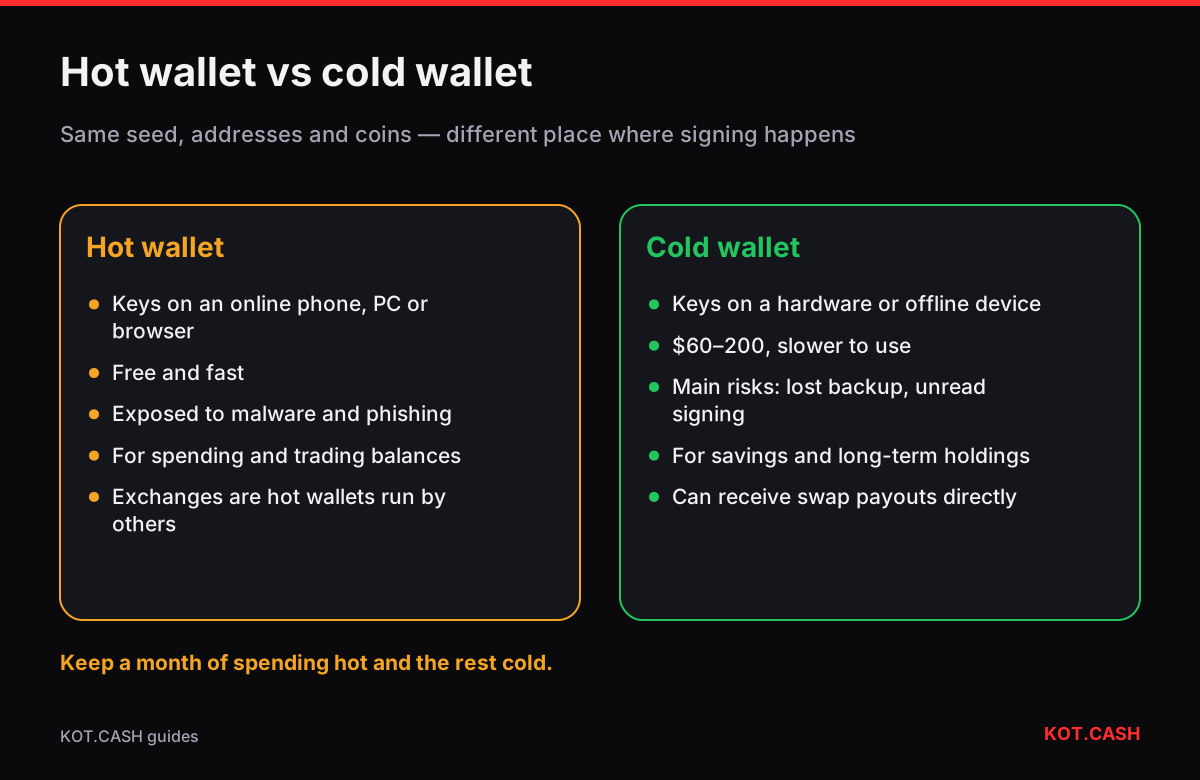
A hot wallet keeps its private keys on a device that is connected to the internet — a phone app, a desktop program, a browser extension or an exchange account. A cold wallet keeps the keys on a device that never exposes them to the internet — a hardware wallet, an air-gapped computer or a paper or metal backup. Hot wallets are convenient for frequent payments; cold wallets are safer for savings. Most people need both, with the bulk of their funds in cold storage.
Where the keys live is the whole difference
Every wallet has the same building blocks: a seed phrase, private keys derived from it, and addresses. The difference between hot and cold is only where signing happens. In a hot wallet the private key is in the memory of an online device while it signs, so malware, a malicious extension or a compromised app on that device can reach it. In a cold wallet the key stays inside a separate secure chip or an offline machine; the online computer only sees the unsigned transaction and gets back the signature.
Hardware wallets are usually called cold even though they plug into a computer by USB or connect over Bluetooth: the key never leaves the device. Air-gapped devices go further and exchange data only by QR codes or a microSD card, with no data connection at all.
Hot and cold compared
| Hot wallet | Cold wallet | |
|---|---|---|
| Examples | Mobile apps, desktop wallets, browser extensions, exchange balances | Hardware wallets, air-gapped signers, paper/metal backups |
| Typical cost | Free | Roughly $60–200 for a hardware wallet |
| Speed of use | Seconds | Device in hand, confirm on its screen |
| Main risks | Malware, phishing, malicious extensions, fake apps | Losing the device and backup, supply-chain tampering, signing without reading |
| Good for | Spending, trading, DeFi experiments | Savings, long-term holdings, inheritance |
Risks that remain with a cold wallet
- Backup loss. If the device breaks and the seed phrase is lost too, the funds are gone. See where not to store a seed phrase.
- Signing what you did not read. A hardware wallet signs whatever you confirm. Address checks on the device screen and avoiding blind signing are what make it safe.
- Tampered devices. Buy from the vendor, not marketplaces, and run the authenticity check — verifying a wallet and firmware.
- Physical coercion and theft of the backup. A BIP39 passphrase or a multisig setup addresses it.
A simple way to split funds
- Decide what you spend or trade within a month. That amount — and no more — lives in a hot wallet or on an exchange.
- Everything else goes to a cold wallet. Receive to it directly where you can, so savings never pass through a hot device.
- Top up the hot wallet from the cold one when needed, in a few larger transfers rather than many small ones.
- Review the split every few months; it naturally drifts as prices move.
Which cold option to choose
- Hardware wallet (Ledger, Trezor, Coldcard, Keystone, BitBox and others): the default for most people. Supports many coins, easy to use, needs a careful seed backup.
- Air-gapped signer: a hardware wallet without USB data connection, or an old laptop that never goes online running wallet software. More effort, fewer attack paths.
- Paper or metal key only (no device): workable for long-term savings you do not touch, but spending later means importing the key into some device — plan that moment carefully.
Moving coins between them, and swaps
A cold wallet receives like any other: show the receive address on the device, compare it with the address in the companion app, and use it. When you swap on KOT.CASH you can paste a cold wallet’s address as the payout, so the coins you buy land straight in cold storage and never sit in an exchange account. Check the address on the hardware screen before creating the order, and again on the order page.
When paying from a cold wallet, the device shows the deposit address and amount. Compare them with the order page. Plain transfers are always shown in full on hardware devices, which makes them the safest kind of transaction to sign.
FAQ
Is a hardware wallet hot or cold?
Cold: the keys stay inside the device and never reach the connected computer, even though it plugs in to sign.
Is a mobile wallet safe enough?
For spending amounts, a reputable mobile wallet on an up-to-date phone is reasonable. Keep savings in cold storage.
Can a cold wallet be hacked?
The key is hard to extract, but you can still be tricked into signing a bad transaction or lose the backup. Read the device screen and back up properly.
Do I need a cold wallet for small amounts?
Not necessarily. Many people start using one once their holdings exceed what they would be comfortable losing.
Can KOT.CASH pay out directly to a hardware wallet?
Yes. Paste the receive address shown and verified on the device as the payout address.